Home / Income Opportunities
Income Opportunities

Find Your Next Opportunity

Get email updates about jobs, side gigs, training programs, and fellowships, plus practical resources to help you prepare.

A Few Places to Explore

Browse a small selection here. Join the email list for more updates. Review each provider’s requirements and decide what fits your goals.

Side gig

Userbrain Website Testing

Share your feedback while testing websites. Approved testers receive $5 per accepted test via PayPal.

Requires a qualification test and approval. Invitations depend on your fit and availability. No fixed closing date is listed.

View Official Details

Checked October 8, 2026

Side gig

Tester Work

Explore paid app and website testing projects. Create a profile and complete the platform’s onboarding requirements.

Project invitations depend on your profile, devices, skills, and location. Pay and project deadlines vary.

View Official Details

Checked October 8, 2026

Flexible Work & Extra Income

Qwick: Flexible Hospitality Work

Use your food service, cooking, bartending, or event experience to explore paid shifts at restaurants, hotels, and event venues through the Qwick for Professionals app. Browse opportunities matched to your skills and location, and choose available shifts that fit your schedule.

Pay varies by shift. Review the listed rate, location, hours, duties, dress code, and required certifications before accepting. Available shifts depend on your area and qualifications; signing up does not guarantee work or earnings.

Must be 18 or older. Getting started includes a profile, identity verification, a background check, and required onboarding. Shifts involving alcohol may have additional age and certification requirements. Qwick lists New Jersey as a W-2-only state, so workers must complete employee onboarding for those shifts.

Explore Qwick & Get the App

No resume or cover letter is required through Qwick Apply. Businesses review your Qwick profile, platform work history, and ratings instead.

Want help understanding the app or setting up your profile? The optional $35, 30-minute Resource Walkthrough can focus on Qwick or another resource Tiffany shares. You can sign up with Qwick directly without purchasing support.

Checked October 26, 2026

Build and Show Your Skills

Training & Certifications

Practice useful skills, document what you learn, and explore resources you can share on your résumé and LinkedIn profile.

Training

Free Zendesk Agent Training

Learn customer support, ticketing, Agent Workspace, and AI-assisted tools in Zendesk Academy’s free, self-paced learning path. Complete the training and pass the final assessment to earn a Zendesk Agent badge to share on LinkedIn.

Approximately 3 hours. No previous experience required. Free registration is needed. This is a training badge; Zendesk’s paid professional certification is separate.

Start Free Zendesk Training

Checked October 8, 2026

Typing Practice & Certificate

TypingTest.com

How fast and accurately do you type? Practice your keyboard skills, challenge yourself to improve, and take the five-minute certificate test when you are ready.

Save a printable certificate documenting your typing speed, accuracy, and net words per minute. Add your measured speed to your résumé or share your certificate in a LinkedIn post to show the skills you are developing.

Use a computer with a regular keyboard. Employer requirements vary; some positions require a separate approved typing test.

Practice & Get Your Typing Certificate

Checked October 21, 2026

Microsoft Excel skills

Free Microsoft Excel Training

Learn data entry, formatting, worksheets, tables, formulas, sorting, and filtering. Especially useful for administrative, HR, billing, payroll, and accounts receivable work.

Cost: Free access to 26 video lessons with over 12 hours of instruction; no signup required. Provided independently by TrumpExcel, not Microsoft. This recommendation is for skills training, not a Microsoft certification. Excel software is separate from the free lessons.

Beginner starting plan: Complete lessons 1–6 for Excel basics and tables, lesson 9 for formulas, and lesson 19 for sorting and filtering. For finance roles, continue into lookup formulas and pivot tables.

Put it into practice: Build a job application tracker with employer, position, application date, follow-up date, and status columns. Practice sorting dates and filtering by status.

Start Free Microsoft Excel Training

Get New Opportunities and Training Resources by Email

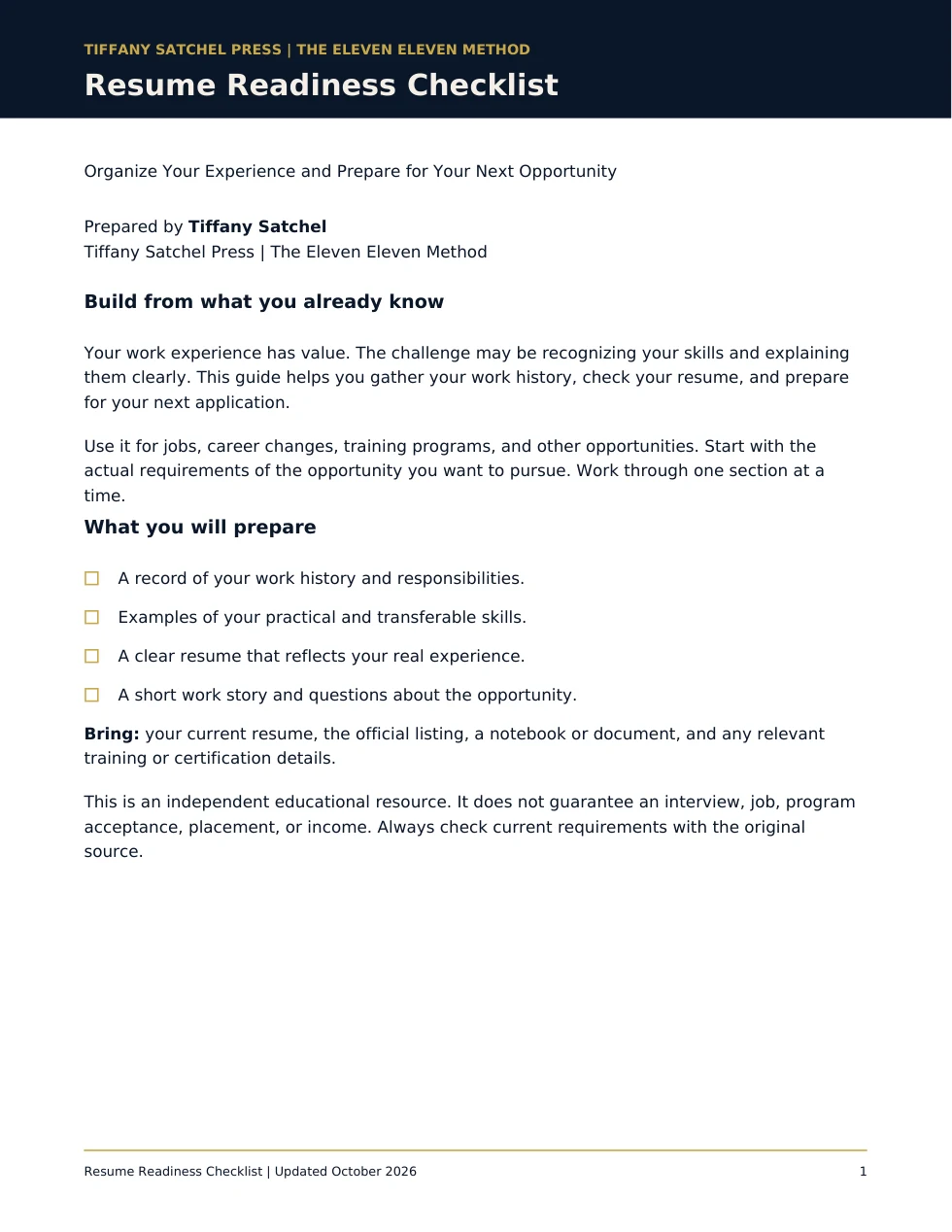
Join the free TSP Opportunities email list for future opportunities, training resources, and practical tools Tiffany shares to help you build and demonstrate your skills.

Join the Free Opportunities List

Prefer a feed reader? Follow the opportunities RSS feed.

Join the Free AI Opportunities List

Opportunity List Questions

Is joining free?

Yes. Joining the list and receiving the three welcome resources is free. The optional $35, 30-minute Resource Walkthrough offers help getting started with a job, income, or skill-building resource Tiffany shares, including profile setup and checklist help. Choose the resource you want to focus on during your session.

Does joining guarantee work?

No. The list shares opportunities and resources. Each provider has its own requirements, selection process, and availability.

How do I receive my PDFs?

Confirm your email after signing up. Your welcome email contains links to all three free resources.

Can I unsubscribe?

Yes. Use the unsubscribe link at the bottom of any email.

Want Help Getting Started With a Resource?

You can message Tiffany about a resource she shares. No appointment is needed to ask a question. Choose a job, income, or skill-building resource Tiffany shares. Use your $35, 30-minute Resource Walkthrough for help getting started, setting up a profile, understanding requirements, or planning next steps. Checklist help is also available within the same WhatsApp voice or video session. Choose one resource to focus on; the fee covers one session rather than ongoing support.

The opportunity list and free resources stay free. You stay in control of your account and enter all passwords, identification, and banking information yourself. The fee covers Tiffany’s time and guidance. You can access providers directly without purchasing this service. Tiffany is not affiliated with these platforms; approval, work, certificates, and earnings are not guaranteed. Contact the provider for account decisions, payment issues, or technical problems.

Ask Tiffany About a Resource